Server
Backups and restore: from the 3-2-1 rule to restore testing
A backup is only useful if you can restore from it. A practical guide to the 3-2-1 rule, encryption, offline copies, pg_dump/mysqldump and regular restore tests.
· 10 min read
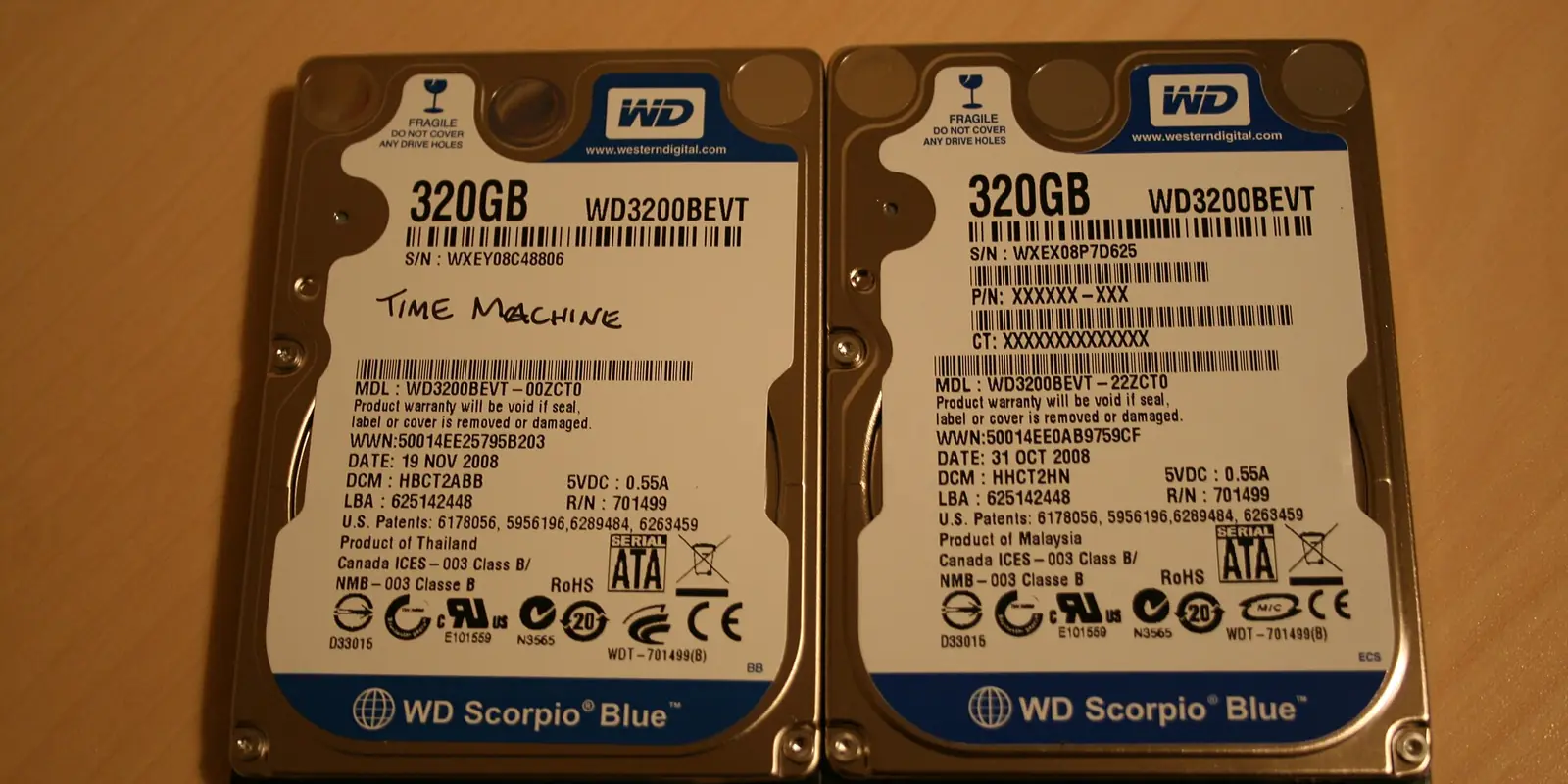
In many teams a backup is considered to "exist": automatic backups are enabled in the panel and some archive appears every night. But the question should be put differently: if the server failed completely today, or the files were encrypted, how quickly and to what point could you restore the system? If there is no precise answer, it is safer to assume you do not really have a backup.
In this article we look at how to build a backup strategy, dump the database correctly, encrypt the copies and, most importantly, test restores regularly.
What the problem is
Typical backup mistakes are organisational rather than technical:
- The copy lives on the same server. If the disk fails or the server is compromised, the original data and the copy disappear together.
- The copy is always connected. An attacker or ransomware on the server sees the mounted network drive and the synced cloud folder too, and deletes or encrypts them as well.
- The copy is not encrypted. The archive contains the database, the
.envfile and users' personal data. A leaked archive equals a full data leak. - Restore has never been tested. The archive is corrupted, the dump is half-written, or nobody knows the restore procedure — usually discovered at the worst possible moment.
- Only files are copied, not the database (or the other way round). Simply copying the files of a running database often produces an inconsistent state.
Why it matters for the expertise
The official cybersecurity expertise mainly looks for vulnerabilities, but server configuration and information security measures are reviewed too. Backup-related findings come in two forms:
- Information disclosure. Files such as
backup.zip,db.sqlorsite.tar.gzleft in the web root can be downloaded through a browser. Scanners check common names, so this is found quickly. - Recoverability. Bringing a system back after an incident is part of security. Where data integrity and availability are at stake, a documented backup and restore procedure is expected.
The main rule: a backup is not an archive, it is the ability to restore. An untested backup is an assumption.
The 3-2-1 rule
A widespread and simple principle:
- 3 copies of the data: the original and two backups;
- on 2 different storage media (for example, the server disk and object storage);
- 1 copy off-site (another data centre, another provider or an offline disk in the office).
Today one more requirement is added: at least one copy must be offline or immutable. This is the main defence against ransomware: even an attacker with full access to the server must not be able to delete that copy.
In practice an immutable copy is achieved with:
- "object lock" or versioning with a retention period in object storage;
- a backup server that pulls the copy itself, while the main server has no write access to the backup server;
- an append-only mode — for example, a restic or borg repository configured that way;
- an external disk that is regularly disconnected.
What to back up
Write the list down in advance, otherwise "we needed that too" will come up later:
- the database (as a dump);
- user-uploaded files (
storage/app,uploadsand so on); - configuration: nginx, PHP-FPM, cron, systemd units, firewall rules;
.envand secrets — separately, strongly encrypted;- application code is usually in git, but you should record exactly which version is running.
Cache, session files, vendor and node_modules do not need to be backed up — they can be rebuilt.
Check it yourself
First make sure no backup files are left in the web root:
find /var/www -type f \( -name "*.sql" -o -name "*.sql.gz" -o -name "*.zip" \
  -o -name "*.tar.gz" -o -name "*.bak" -o -name "*.dump" \) 2>/dev/null
Test from the outside as well (only on your own site):
for f in backup.zip backup.sql db.sql site.tar.gz dump.sql .env; do
  printf "%s " "$f"; curl -s -o /dev/null -w "%{http_code}\n" "https://example.uz/$f"
done
A 200 response means the file is exposed. Then write down answers to these questions: when was the last copy taken, where is it stored, who can delete it, and when did you last restore from it.
Dumping the database correctly
PostgreSQL
pg_dump takes a consistent copy of a running database. The custom format (-Fc) is compressed and allows selective restore:
pg_dump -h 127.0.0.1 -U app_backup -Fc -f /backup/app_$(date +%F).dump appdb
Roles and global settings are saved separately:
pg_dumpall -h 127.0.0.1 -U postgres --globals-only > /backup/globals_$(date +%F).sql
Do not put the password on the command line — use a ~/.pgpass file (chmod 600).
MySQL / MariaDB
For InnoDB tables, --single-transaction gives a consistent copy without locking tables:
mysqldump --single-transaction --routines --triggers --events \
  -u app_backup appdb | gzip > /backup/appdb_$(date +%F).sql.gz
Keep credentials in the [mysqldump] section of ~/.my.cnf. Create a separate backup user with only the privileges needed for reading and dumping.
For large databases a dump may not be enough: WAL archiving in PostgreSQL and binlogs in MySQL enable point-in-time recovery (PITR). For small and medium projects, a daily dump stored properly is usually a sufficient starting point.
Encryption
A backup must be encrypted before it leaves the server. Two common approaches:
restic — handles encryption itself and supports deduplication and retention policies:
export RESTIC_REPOSITORY=s3:https://s3.example.com/backups/app
export RESTIC_PASSWORD_FILE=/root/.restic-pass
restic backup /backup /var/www/app/storage/app /etc/nginx
restic forget --keep-daily 7 --keep-weekly 4 --keep-monthly 6 --prune
restic check
age or gpg — encrypt a plain archive with a public key. Only the public key lives on the server and the private key is kept elsewhere, so even if the server is compromised, old copies cannot be decrypted:
tar -czf - /backup | age -r age1...publickey > /offsite/app_$(date +%F).tar.gz.age
Do not store the encryption key or password next to the backup, and do not lose it: a backup without its key is useless. Keep the key in a safe place (a password manager, a safe) known to two responsible people.
Automation
Manual backups get forgotten over time. A simple cron job or systemd timer is enough:
# /etc/cron.d/app-backup
30 2 * * * backup /usr/local/bin/app-backup.sh >> /var/log/app-backup.log 2>&1
If the script fails, someone must be notified. The simplest approach is heartbeat monitoring: the script sends a signal at the end, and if the signal does not arrive, an alert fires. In Laravel projects, the spatie/laravel-backup package manages database and file backups, cleanup of old copies and notifications in one place.
Restore testing
This is the most frequently skipped and the most important step. At least once a month:
- Prepare a separate test server or container (do not touch production).
- Download the latest copy and decrypt it.
- Restore the database:
createdb -h 127.0.0.1 -U postgres restore_test
pg_restore -h 127.0.0.1 -U postgres -d restore_test --no-owner app_2026-10-24.dump
psql -h 127.0.0.1 -U postgres -d restore_test -c "SELECT count(*) FROM users;"
For MySQL:
gunzip -c appdb_2026-10-24.sql.gz | mysql -u root restore_test
- Start the application against this database and perform the key actions: log in, open a document, download a file.
- Record the result: how long it took, what got in the way, which step was missing from the documentation.
This test produces two important figures: RPO — how much data you are prepared to lose (with daily backups, up to one day), and RTO — how quickly you can bring the system back. Agree these numbers with management.
The ransomware angle
In a ransomware attack, the attacker usually tries to find and destroy backups first. Therefore:
- the main server must not have permission to delete copies from the backup storage;
- the backup storage credentials must not be the same as those in the main server's
.env; - at least one copy must be immutable or offline;
- when restoring, pick a copy taken before the incident so you do not bring back the compromised state, and close the vulnerability in the restored system first.
Rotating all passwords and keys after the restore should also be part of the procedure.
Short checklist
- No
.sql,.zip,.tar.gzor.bakfiles in the web root, and none reachable from outside - A written list of what is backed up (database, uploaded files, configuration, secrets)
- The database is dumped consistently with
pg_dump/mysqldump --single-transaction - 3-2-1: at least one copy off-site, one immutable or offline
- Copies are encrypted before leaving the server, the key is stored separately
- Backups are automated and failures trigger a notification
- A retention policy exists (daily, weekly, monthly)
- Restore tests are run regularly and the results are recorded
- RPO and RTO are agreed
Summary
A good backup system does not have to be complex: a daily consistent dump, encryption, an immutable off-site copy and a monthly restore test are achievable even for a small team. In our process, the Claude AI agent reviews server settings, cron jobs and the web root to find exposed archives and missing steps, and the expert sets up the backup and restore procedure and tests it in practice.
If you want to know whether your backup and restore procedure is ready for the expertise, request a security scan. We will help you close the gaps before the official check.