News
Anatomy of a WordPress backdoor: how a real compromise was found and cleaned
Entry through an outdated plugin, fake plugins, hidden folders and a one-line loader in core files. A step-by-step breakdown of a real WordPress compromise.
· 12 min read
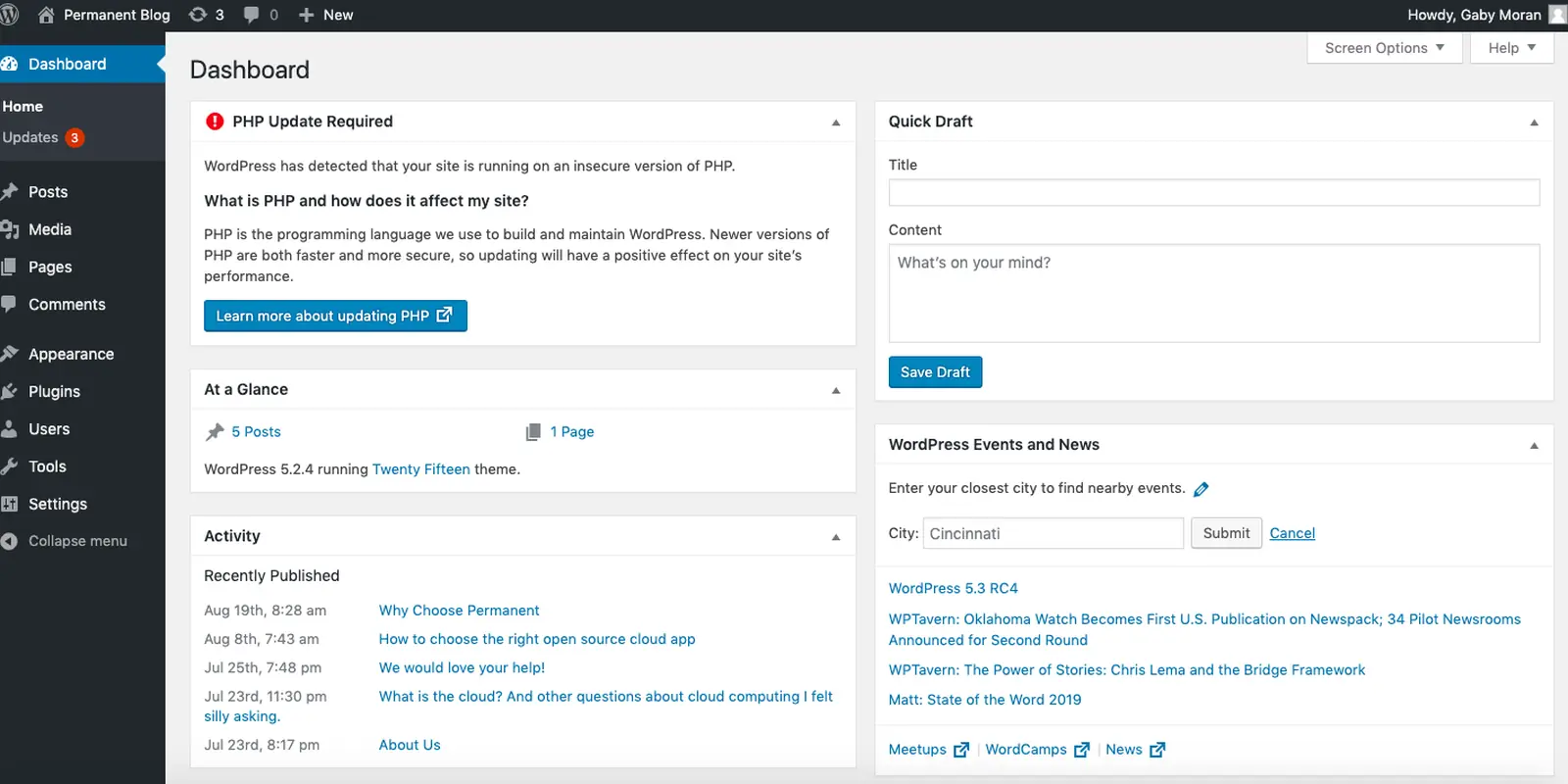
We recently worked on a client's WordPress site: it had been compromised, and foreign code had been running on it for several months. In this post we show how the attacker got in, what they left behind, how we found it and how we cleaned it up. The goal is not to scare anyone, but to show how to recognise a similar situation on your own site and where to start.
The client's details are anonymised: no domain, business type or other specifics.
Entry point: an outdated plugin
The site had the Backup Migration plugin installed at version 1.4.0. That version has a known vulnerability — CVE-2023-6553: unauthenticated remote code execution (RCE). In other words, the attacker needs neither a login nor a password: a crafted request lets them run their own PHP code on the server.
The vulnerability was published and fixed long ago. But the plugin was never updated, and in August the attacker planted web shells right inside that plugin's folder. Two months later a second wave arrived: new files, new hiding techniques.
Most compromises start not with a sophisticated attack, but with one plugin nobody updated.
What the attacker left behind
The analysis turned up the following:
- About 20 fake plugins with random names —
w2sfollowed by hex characters (for example,w2s3fa1c9). In the admin panel they blend in among regular plugins. - A fake theme next to the real ones.
wp-validate.phpdroppers in many folders. The name looks like a WordPress file, but core has no such file.- Hidden folders — starting with a dot, with a random hex suffix, each holding a small
.htaccessandindex.phppair. They were planted inside real plugins — WooCommerce, Yoast, Elementor — and insidewp-includes. So "delete the foreign plugin" does not get rid of them. - PHP files in
uploads— a folder that should never contain PHP. - Loaders that download code from a remote domain, obfuscated with rot13.
- Faked timestamps — file modification dates set to 2020 (timestomping) so the files look "old and untouched".
- A deleted
wp-login.php— the standard login page was removed.
Each of these is a separate way back in. Leave one behind and the attacker returns — which is exactly what the second wave showed.
The best-hidden part: a one-line loader in core files
The most interesting finding was the persistent loader. A single line was added to 9 WordPress core files and to wp-config.php:
@include_once("php://filter/read=zlib.inflate|string.rot13|convert.base64-decode/resource=wp-includes/...");
What does it do? Using PHP's php://filter stream wrapper, it reads a file from disk, base64-decodes it, applies rot13, inflates it with zlib — and executes the result as PHP code. So the malicious code never sits on disk as readable PHP.
On top of that:
- The string was written as hex escapes (
"\x70\x68\x70...") and mixed with random comments — a plaingrep 'php://filter'will not find it. - The main payload was hidden in fake
.svg,.cssand.jsfiles. The file names and extensions look harmless. - The payload made an outbound request on every page view. That showed up as odd lines in the PHP error log — and that was the first clue that started the analysis.
How we found it
1. Comparing core files with the official checksums
WordPress publishes MD5 checksums of core files for every version via api.wordpress.org/core/checksums. WP-CLI runs this check in a single command:
wp core verify-checksums
wp plugin verify-checksums --all
The first command lists modified core files and files that should not be in core. The second checks plugins from the wordpress.org directory (paid plugins may have no checksums). The 9 modified core files surfaced right here.
2. Looking for PHP in uploads
find wp-content/uploads -type f -iname '*.php*'
On a healthy site this command prints nothing.
3. Searching for known indicators
find . -name 'wp-validate.php'
find wp-content/plugins -maxdepth 1 -type d -name 'w2s*'
find . -type d -name '.*' ! -name '.' ! -name '.well-known'
grep -rlE '(\\x[0-9a-fA-F]{2}){8,}' --include='*.php' .
grep -rl 'php://filter' --include='*.php' .
Searching for runs of hex escapes helps find obfuscated lines.
4. Grouping files by time
Grouping files by modification time reveals a "batch" created in the same minute. But because of timestomping, mtime cannot be trusted. So we also check ctime (inode change time), which is much harder to fake by ordinary means:
find . -type f -printf '%C+ %T+ %p\n' | sort | awk '{print substr($1,1,16)}' | uniq -c | sort -rn | head
Files whose mtime says 2020 while ctime says August are immediately suspicious.
5. Log analysis
The access log showed POST requests to the web shell files and calls to the vulnerable plugin's endpoint; the PHP error log showed lines tied to the loader's outbound requests. This helped pin down the timing of both waves.
How we cleaned it
Order matters. We worked in this sequence:
- Preserve evidence first. A full copy of the site files and database, file hashes, and web server and PHP logs were moved to a separate location. After the cleanup, these copies are the only way to answer "what actually happened".
- Block backdoor paths at the web server. So the attacker could not use the files while we worked on them, known paths were closed at the web server level:
location ~* /wp-content/uploads/.*\.php$ { deny all; }
location ~* /wp-validate\.php$          { deny all; }
location ~* /\.(?!well-known)           { deny all; }
- Quarantine, not delete. Malicious files were not deleted but moved to a quarantine folder outside the web root. That keeps further analysis possible.
- Replace core with clean files. WordPress core was downloaded again from the official source and the checksums re-verified:
wp core download --version=$(wp core version) --force --skip-content
wp core verify-checksums
- Strip loaders from other files. The added lines in
wp-config.phpand other files were removed by hand. - Remove the vulnerable plugin. Backup Migration 1.4.0 was removed completely.
- Rotate the WordPress salts. The keys and salts in
wp-config.phpwere regenerated — this invalidates all existing sessions:
wp config shuffle-salts
Steps that still have to follow
Cleaning the files is only part of the job. After it, the following must be done:
- Database audit: unknown administrator users, injected entries in the
wp_optionstable, scripts inside posts, spam pages. - Reinstall plugins from clean sources — instead of trying to clean the existing folders.
- Change every password: WordPress users, database, hosting panel, FTP/SFTP, SSH.
- Update everything: core, plugins, themes, PHP.
Starter commands for checking the database:
wp user list --role=administrator --fields=ID,user_login,user_email,user_registered
wp db query "SELECT option_name FROM wp_options WHERE option_value LIKE '%<script%' OR option_value LIKE '%eval(%';"
wp db query "SELECT ID, post_title FROM wp_posts WHERE post_content LIKE '%<script%';"
Why it matters for the expertise
The worst outcome in an official expertise of a compromised site is the reviewer finding a web shell or foreign files themselves. Even if the site seems to work normally, a vulnerable plugin version, executable PHP files in uploads and exposed hidden folders are each a separate finding. So before submitting a WordPress site for the expertise, you need to confirm it is clean — "updating" alone is not enough. We collected the preventive steps in our WordPress security checklist.
Short checklist
wp core verify-checksumsandwp plugin verify-checksums --allcome back clean.- There are no PHP files in
wp-content/uploads, and the web server forbids PHP execution there. - The plugin list has no unfamiliar plugins or themes with random names.
- There are no hidden dot-folders and no foreign files like
wp-validate.php. - Core files and
wp-config.phpcontain nophp://filter, long hex strings or foreignincludelines. - The PHP error log shows no unexplained outbound requests.
- The administrator list is reviewed; passwords and salts are rotated.
- All plugins are on the latest version; unused ones are removed.
Summary
In this case a single outdated plugin gave the attacker full control of the site, and they built themselves dozens of ways back in. Finding them took checksums, file system analysis and logs together. And the cleanup has to start with preserving evidence and end with checking passwords and the database.
Want to make sure your WordPress site has no similar traces? Request a security scan — the Claude AI agent and our specialist will review your files, plugins and server configuration, and we will help close the holes we find.