Web
Login protection: brute force, rate limiting, OTP and session security
The login page is the front door of your system. Practical checks for password guessing limits, OTP codes, password reset and proper session handling.
· 8 min read
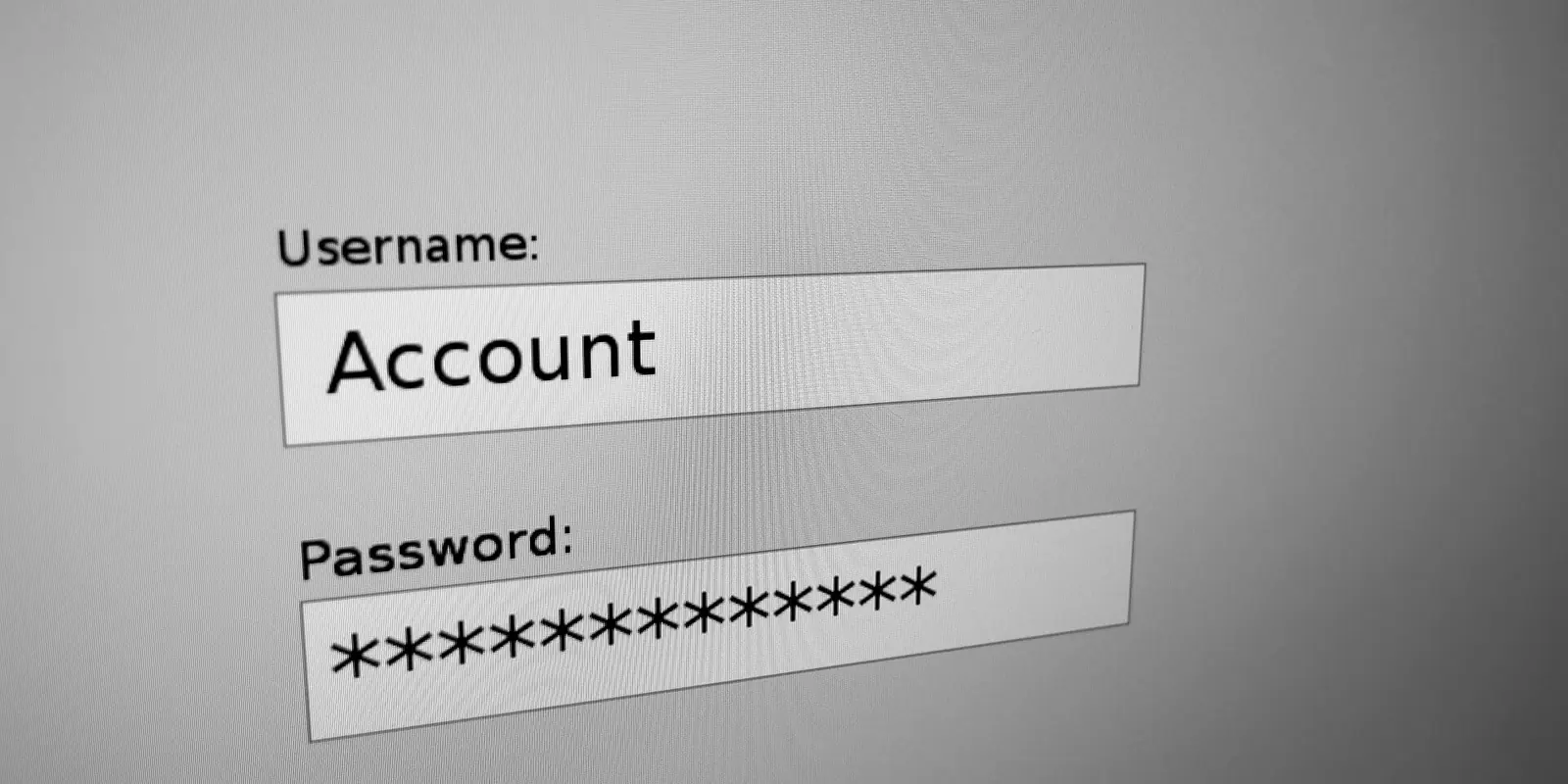
The login page is the most scrutinised part of any portal or user account area. The expertise and a real attacker both look here first: can a password be guessed, can you tell whether a user exists, can the OTP be bypassed, does the session close after logout? Below we walk through the login flow step by step.
1. Brute force and rate limiting
A login form without limits is open to automated password guessing. Protection should be layered:
- Limit per account + IP. Limiting by IP alone is not enough — attackers rotate addresses. Limiting by account alone locks out the real user. Combine both.
- A global limit. Also limit attempts from one IP across many accounts (password spraying).
- Progressive delay or CAPTCHA. After several failures, require a CAPTCHA or increase the wait time.
A Laravel example:
RateLimiter::for('login', function (Request $request) {
    $login = Str::lower((string) $request->input('phone'));
    return [
        Limit::perMinute(5)->by($login.'|'.$request->ip()),
        Limit::perMinute(30)->by($request->ip()),
    ];
});
Testing is easy: send a wrong password 10–15 times in a row and see whether the response switches to 429. Check the API login route (used by the mobile app) separately — it is often forgotten.
2. Users should not be identifiable
Different messages such as "User not found" and "Wrong password" tell an attacker which logins exist (user enumeration). Use one generic message: "Incorrect login or password". The same principle applies to password reset and registration: "If such an account exists, instructions have been sent". A large difference in response time also leaks information, so it is better to run the password hash check even for non-existent users.
3. Password storage
Passwords are stored only with adaptive hash functions: bcrypt or Argon2id. MD5, SHA1 or "our own encryption" — no. In Laravel, Hash::make() handles this; if you migrated passwords from an older system, check that they are rehashed on the next login. A minimum length and a check against known breached passwords align with OWASP ASVS recommendations.
4. OTP codes
A one-time code via SMS or an app adds protection, but it has to be built correctly:
- Short lifetime — a few minutes.
- Limited attempts. A six-digit code can be guessed without limits; invalidate it after 3–5 failures.
- Single use. A used code is never accepted again.
- Limited resends. Otherwise the form becomes an SMS-sending service on your bill (SMS bombing).
- No code in responses or logs. Adding the code to an API response during testing and forgetting to remove it is a common mistake.
- Bound to the account. A code sent to one user cannot be used to log into another account.
- Verified on the server. Do not leave the "code is correct" decision to the mobile client.
An OTP is an extra lock. If it can be guessed endlessly, it is not a lock.
5. Password reset
The password reset flow is often weaker than login itself. In our own product's expertise, Host header injection was dangerous exactly here: because the app trusted X-Forwarded-Host, the reset link could be built with an attacker's domain. The fix was to trust only X-Forwarded-For/Proto/Port headers and force the root URL in production.
Further checks:
- the reset token is random, long and single-use;
- its lifetime is limited;
- after a password change, all other sessions and tokens are revoked;
- reset requests are rate limited too.
6. Session security
After a successful login, security moves to the session:
- Regenerate the session ID after login (against session fixation). In Laravel:
$request->session()->regenerate(). - Fully invalidate the session on logout, not just delete the cookie:
invalidate()andregenerateToken(). - Cookie flags:
Secure,HttpOnly,SameSite=LaxorStrict. - Idle timeout. For financial and government systems, a short idle timeout is appropriate.
- A device list and a "log out other devices" option —
Auth::logoutOtherDevices().
In mobile apps the session token should live in Keystore/Keychain, not in plain SharedPreferences or UserDefaults. In our mobile expertise, unencrypted storage was a high finding and was closed with flutter_secure_storage. WebView data is also wiped on logout.
7. An extra layer for administrators
The admin panel needs stronger protection than a regular user area: mandatory two-factor authentication, an IP allowlist or VPN where possible, and a separate short session lifetime. Moving the admin panel to another path is not protection on its own, but combined with an allowlist it reduces noise from automated scanners.
8. Logging and alerts
Log successful and failed logins, password changes, OTP failures and lockouts — but never the passwords or codes themselves. Set up alerts for unusually many attempts on one account or from one IP. Notifying users about logins from a new device is also useful.
Quick check
- 15 wrong attempts — do you get a 429 or a CAPTCHA?
- Is the message the same for existing and non-existent logins?
- Can the OTP be entered wrong 10 times?
- Does a used OTP or reset link work again?
- Does a page open with the old cookie after logout?
- Does a session on another device close after a password change?
Summary
Login protection is not one feature but a set of small rules. Check each one separately and the part of the system the expertise focuses on most will be ready.
Sipar checks login, OTP and session flows before the expertise and closes the gaps it finds. Request a security scan.