Web
Information disclosure: debug mode, error pages and the route list
Debug mode, stack traces, server versions and a route list shipped to the browser hand an attacker a map of your system. Here is how to close them.
· 7 min read
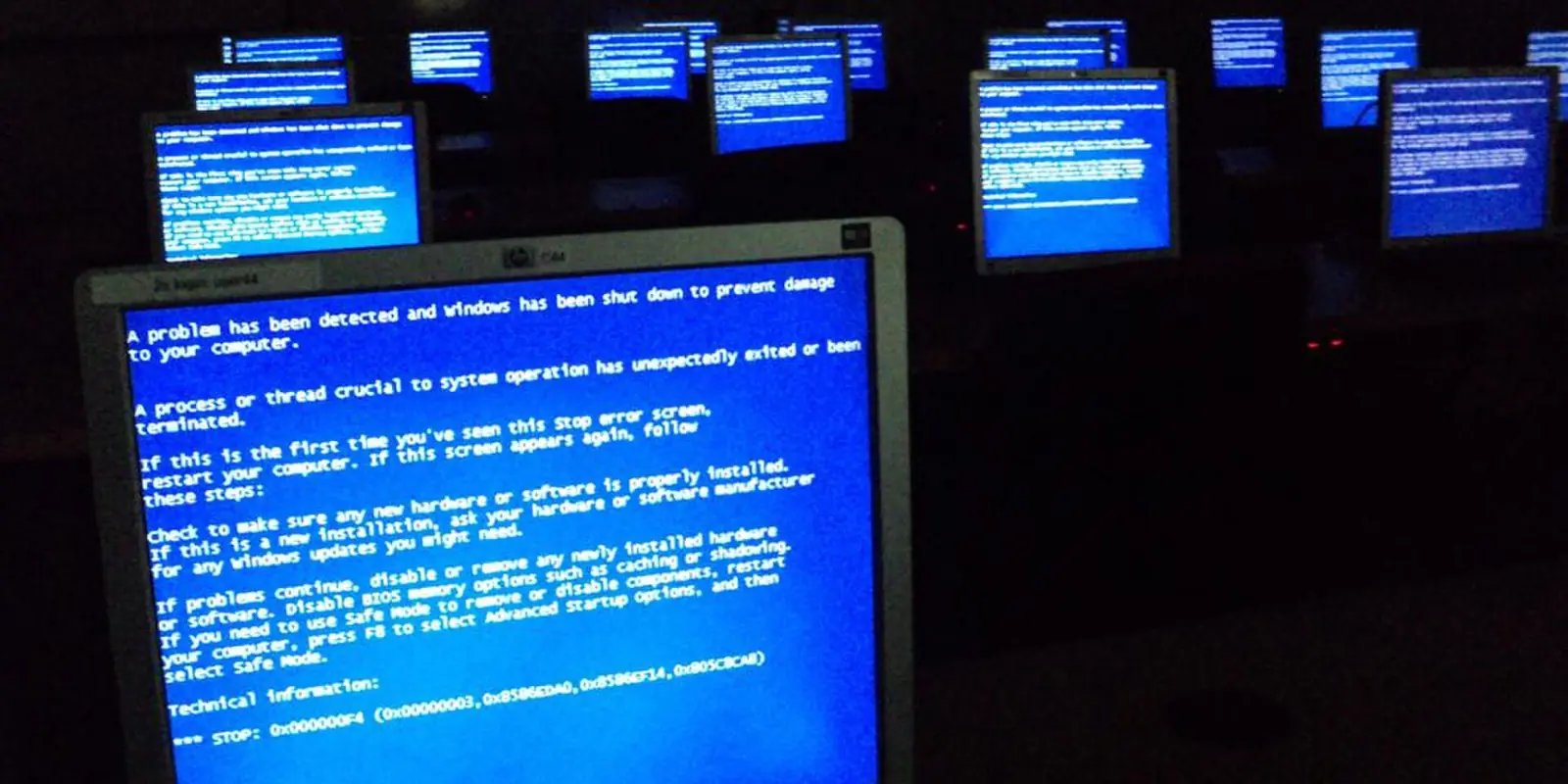
Information disclosure is often treated as a "minor" vulnerability: on its own, it does not break the system. But it gives an attacker the most valuable thing of all: knowledge of how the system is built. Which framework, which version, which file paths, which hidden admin routes. All of this makes the next attack easier to plan.
The expertise of our own product (a tax and finance SaaS platform) produced two separate information disclosure findings. Let us go through them and through other typical sources of leaks.
1. A route list shipped to the browser
Laravel + Inertia and Vue/React projects often use the Ziggy package. It lets JavaScript call named backend routes as route('users.show', id). Convenient, but by default Ziggy embeds all routes into the page as JSON.
As a result, any visitor who opens the page source can see:
admin.*routes and their URLs;- internal API endpoints;
- routes left over from tests, debugging or old features;
- parameter names (for example,
{organization}/{user}).
This is exactly what our expertise recorded. The fix is to send the browser only the routes the frontend actually uses. In Ziggy this is done in config/ziggy.php:
return [
    'only' => ['home', 'login', 'dashboard', 'invoices.*', 'profile.*'],
    // or: 'except' => ['admin.*', 'debugbar.*', 'horizon.*', 'telescope.*'],
];
If the admin panel and the user interface live in one application, use groups and pass admin routes only to admin pages. Keep in mind: hiding a route is not protecting it, it only shrinks the map. Every route must still be protected by server-side authorization.
2. Excess data in responses
The second finding was that API and Inertia responses returned more data than needed. For example, if a model is returned directly with return $user;, the response may include the password hash, internal identifiers, service fields or related models. Even if the frontend does not display them, they are visible in the network response.
The fix:
- fill in the
$hiddenlist on models (password,remember_token, two-factor secrets); - better still, return only the needed fields through an API Resource or an explicit array;
- in Inertia's global
share(), pass only the needed fields, not the whole user model.
return [
    'id' => $user->id,
    'name' => $user->name,
    'role' => $user->role,
];
3. Debug mode and stack traces
If APP_DEBUG=true is left on in production, any error renders a detailed page: full file paths, code fragments, request parameters and sometimes even environment variables. This is the most serious form of information disclosure.
Production .env:
APP_ENV=production
APP_DEBUG=false
After changing it, rebuild the configuration cache (php artisan config:cache), otherwise the old value may stay in effect. Also:
- tools such as Debugbar and Telescope should be disabled or strictly protected in production;
- check that paths like
/.env,/.git/and/storage/logs/are not reachable over the web; - error pages (404, 500) should be your own simple templates with no internal details.
4. Server version headers
Many servers announce their name and version in every response:
Server: nginx/1.18.0
X-Powered-By: PHP/8.1.2
Knowing the version makes it easier for an attacker to look up known vulnerabilities for it. Hiding it is easy:
# nginx.conf, inside the http block
server_tokens off;
; php.ini
expose_php = Off
This does not replace updating the server, but it stops handing out unnecessary information.
The rule: every production response should contain only what the user needs. Everything else belongs in a log file, inside the server.
Check it yourself
Checks that take a few minutes:
- Open the page source (
Ctrl+U) and search foradmin,api,debug. - Open a non-existent address (
/test-404-xyz) and see whether the error page shows internal details. - In the browser's DevTools, Network tab, check the response headers:
Server,X-Powered-By. - Open a few API responses and look for fields that never appear on screen.
- Try
/.envand/.git/config; both should return 404 or 403.
Viewing headers from the terminal:
curl -sI https://example.uz | grep -iE 'server|x-powered-by'
Standards
In the OWASP Top 10 (2021), these issues relate to A05 "Security Misconfiguration" and A01 "Broken Access Control". The main CWE category is CWE-200 (Exposure of Sensitive Information), and CWE-209 for stack traces. The error handling and logging section of OWASP ASVS requires that detailed errors are not shown in production.
Summary
Information disclosure is usually closed with a few lines of configuration, but finding it requires looking at the system the way an attacker would. In our process, the Claude AI agent quickly reviews configuration files, routes and response structures, and the expert confirms each finding and fixes it.
If you want to know whether your project gives away more than it should, request a security scan. We will help you find and close these gaps before the official expertise.